Remote MCP server
Artifacts that outlive the chat.
Publish HTML and Markdown from any MCP client, pick it up from any other, and share it by link, by passphrase, or with named GitHub accounts. Every change is a version you can go back to.
https://mcp.urdr.dev/mcp
Claude Code
-
Add the server, once per machine
claude mcp add --transport http urdr-artifacts https://mcp.urdr.dev/mcp -
In a new session, sign in
/mcpChoose urdr-artifacts and approve in the browser. A session that was already running will not see the server until it restarts.
Claude on the web and desktop
Settings, then Connectors
Add custom connector, with this URL
https://mcp.urdr.dev/mcpLeave the client secret empty
Any other MCP client
Point it at the endpoint. Streamable HTTP with OAuth 2.1 and PKCE; dynamic client registration and client metadata documents are both supported, so a client that follows the MCP authorization spec connects without further setup.
https://mcp.urdr.dev/mcpWho can open what
- Private is the default. Only the owner, plus GitHub accounts or email addresses added as readers.
- Passphrase asks for one on the way in. Send it separately from the link.
- Public opens for anyone holding the link. Still never listed, never indexed.
Members
The owner decides who else can publish here.
- Ask to join by signing in with GitHub, here or from an MCP client. You get a waiting page until the owner lets you in.
- Your own workspace. Members publish and manage their own artifacts, and open what others share with them.
- The owner stays in charge. A member can be disabled or removed at any time. It takes effect on their next request, and links they already shared keep working.
Tools
- publish
- Create an artifact. Private unless told otherwise.
- read
- Full source, version, and who can open it.
- preview
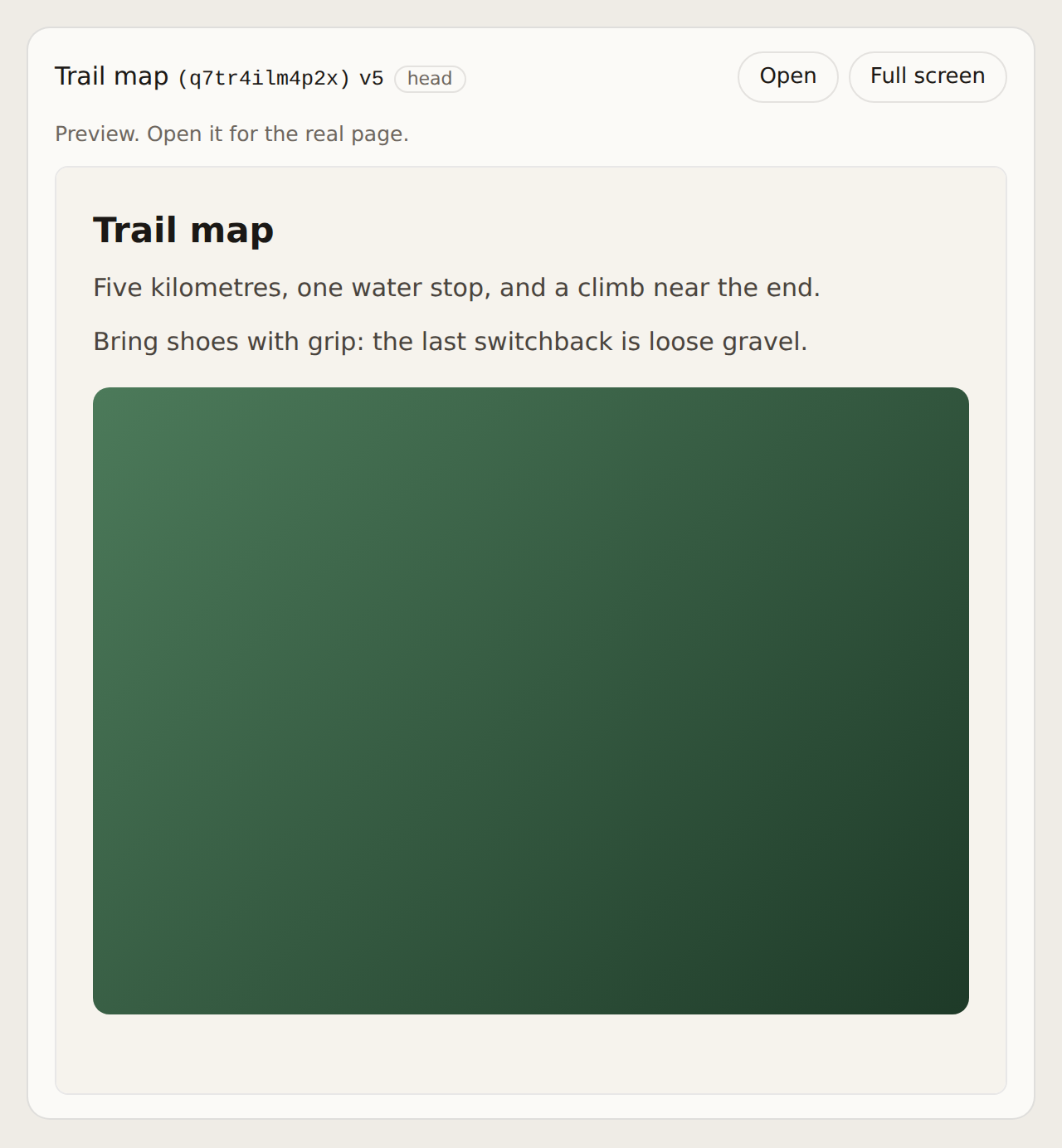
- Render an artifact inside the conversation.
- update
- Replace the content, refusing a stale base version.
- edit
- Change part of an artifact in place, without resending all of it.
- begin_upload
- Get a one-time URL for a large file on disk.
- share
- Change the tier, passphrase, link name or readers.
- rename
- Change the title without a new version.
- history
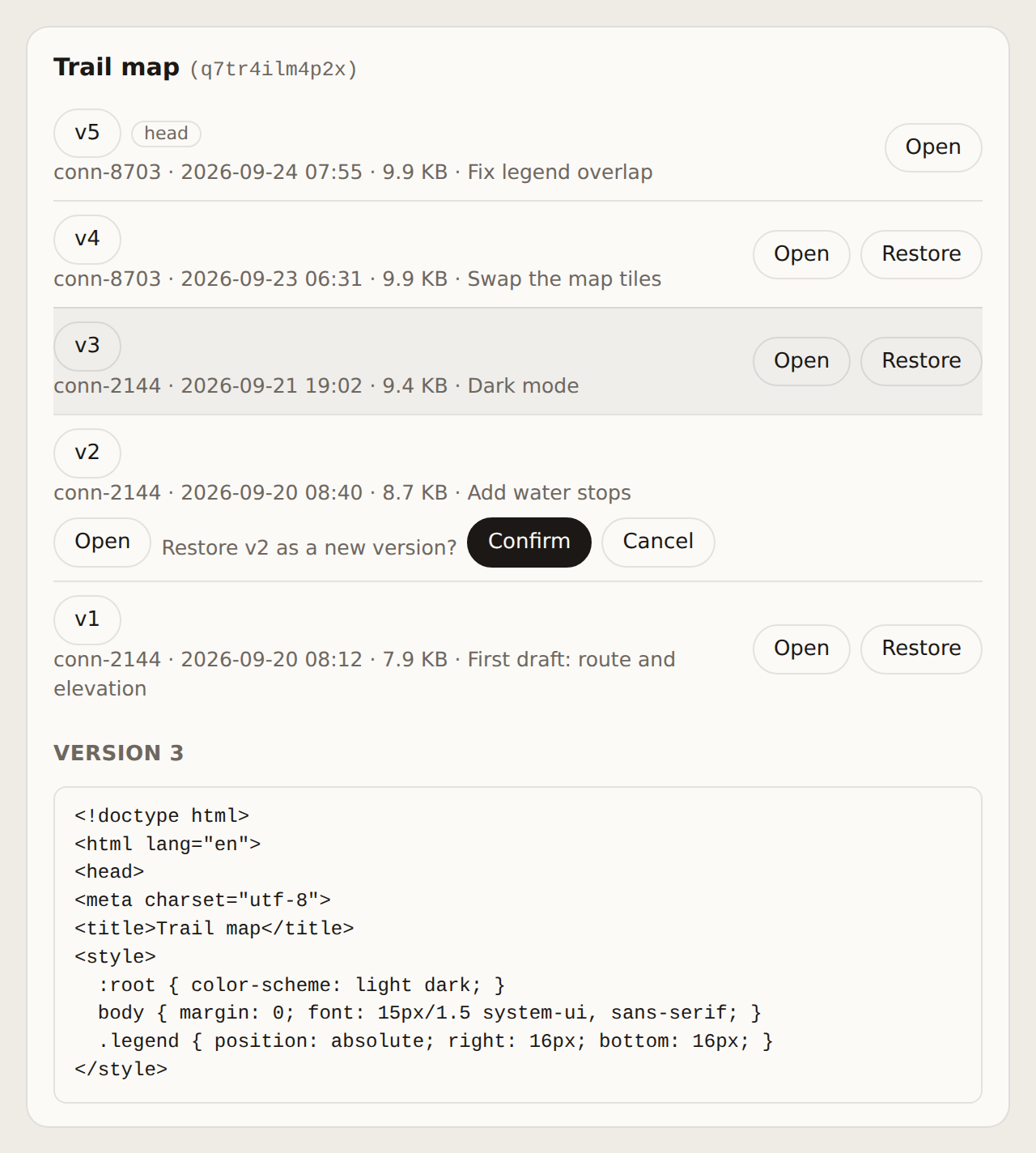
- Every version, who wrote it, and why.
- rollback
- Restore an earlier version as a new one.
- comments
- Read, answer and resolve comments on what you can open.
- add_comment
- Start a comment thread, on a passage or the whole artifact.
- list
- Find what you have, newest first, or by one of your tags.
- tag
- Tag an artifact for yourself, to find it again.
- stats
- Views and visitors for what you own, by day, country and referrer.
- delete
- Retire it. The link stops working.
Interactive views
In hosts that support MCP Apps, such as Claude on the web and desktop, two tools open a panel in the conversation. Other hosts get the same results as text.
Signing in is limited to the owner and the members they let in. Scripts that do not speak MCP can use the owner's bearer-token HTTP API at /api/artifacts. Artifacts are served from lumet.dev.